
AOMEI Backupper Professional Lifetime Upgrade - 1 PC GlobalSoftware License / Utility€24.93

€35.85
// Product details
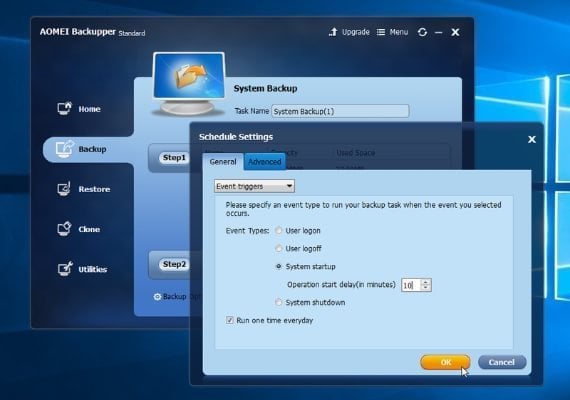
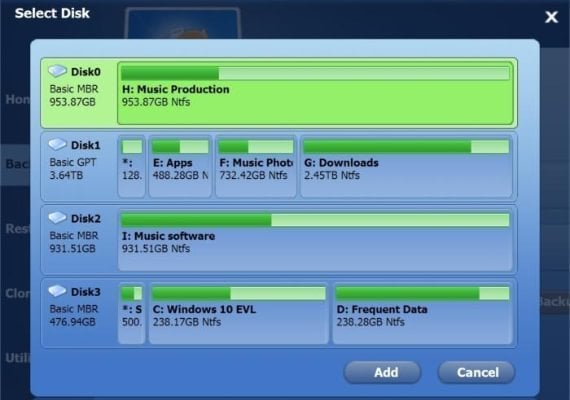
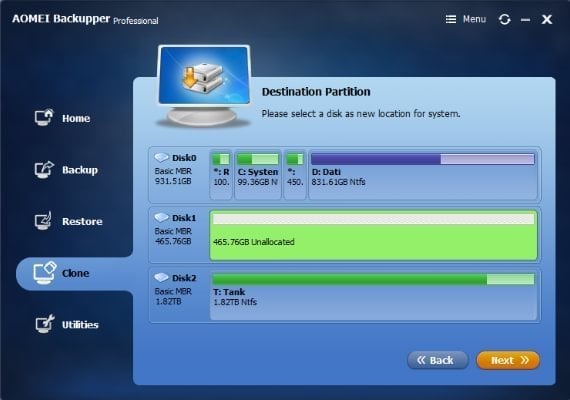
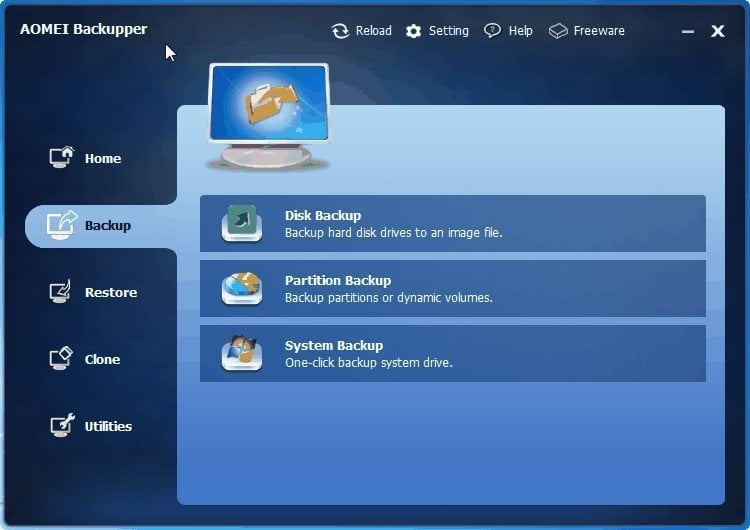
<p><strong>How to Activate:</strong></p> <ul> <li>Download and install AOMEI Backupper Professional using this link.</li> <li>Run it and click the "Register" button at the bottom of a window.</li> <li>Enter the received code to activate the software.</li> </ul> <p>Professional Edition is a complete yet easy backup software for Windows PCs and Laptops, which contains all features of AOMEI Backupper and supports system/disk/files/partition backup & restore, file sync, and system clone as well as provides schedule backup, merge images, dynamic volumes backup, UEFI boot and GPT disk backup.</p> <h5>Features:</h5> <ul> <li>Backup: easily and safely protect everything on PC, including system, disk, individual files, and partition.</li> <li>Restore: fast and reliable disaster recovery, supporting universal restore and selective file restoration.</li> <li>Clone: step-by-step transfer OS or upgrade hard drive without reinstalling Windows and applications.</li> <li>Utilities: pxe boot tool, merge backup images, backup scheme, make bootable disc, command line, check, explore, etc.</li> <li>Multi-Language: support English, Français, Deutsch, Simplified Chinese and Traditional Chinese.</li> <li>Real-time file sync: monitor files for changes and synchronize new added, modified or deleted files from source to target path as soon as the change has occurred.</li> </ul>
// Maybe also


