Access Professional 2019 EN GlobalMS Products / Office€0.00

€24.95
// Product details
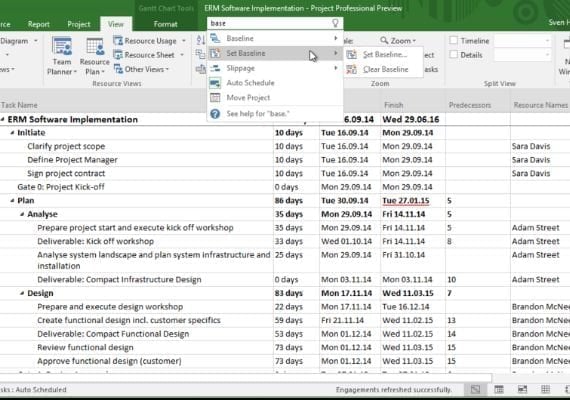
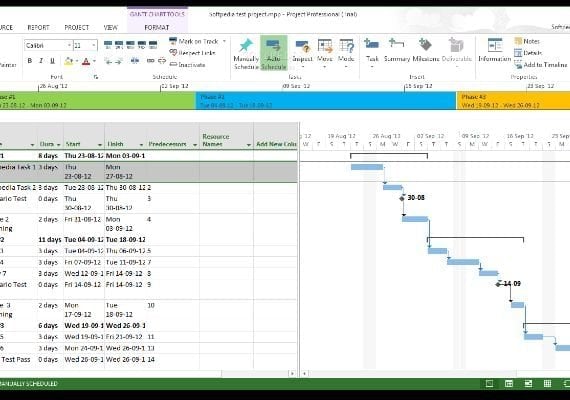
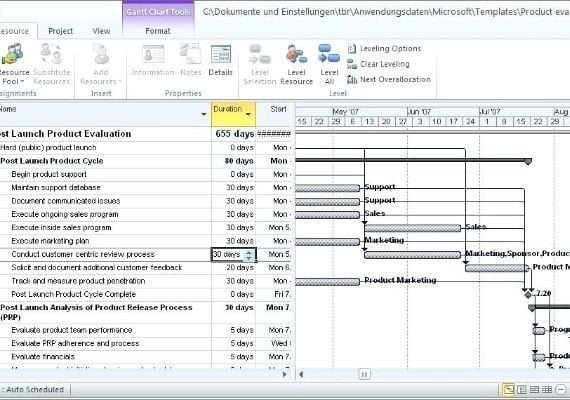
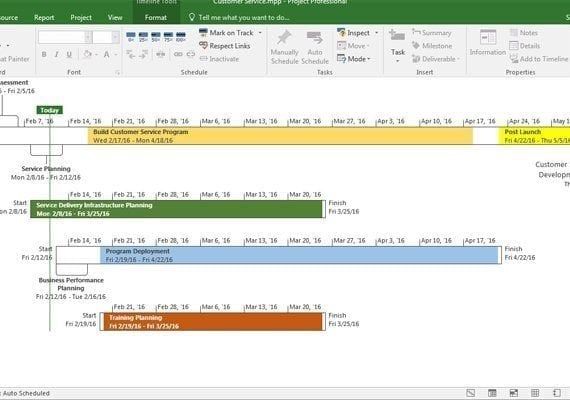
<p><strong>How to activate:</strong></p> <ul> <li>Launch Project/Visio from the Start Menu.</li> <li>Application starts, but with "(unlicensed product)" in the menu bar.</li> <li>Click 'File, Account' and look for this option.</li> <li>Click 'Activate Product'. ...</li> <li>Choose to 'activate over the internet'</li> <li>A message appears saying the product is now activated.</li> <li>Quit Project/Visio.</li> <li>Throughout this procedure you will see additional 'not activated/license updated/restart Project' dialog boxes. These should simply be dismissed. When you relaunch MS Project or MS Visio the product will be activated and full functionality will be available to you.</li> </ul> <p>Project Professional 2019 provides flexible features that help you plan projects, track status, and collaborate with others from virtually anywhere. It delivers real-time communications and instant messaging enabled right within your project plan via Skype for Business, and it consolidates all your potential project resources in a single view.</p> <h5>Features:</h5> <ul> <li><strong>Fast startup - </strong>Use the Getting Started screen to quickly learn about new features, while pre-built Project templates make sure you’re on the right track from the get-go.</li> <li><strong>Schedule efficiently - </strong>Familiar automated scheduling tools help reduce inefficiencies and training time. You can also create multiple timelines, which make it easier to visualize complex schedules.</li> <li><strong>Manage resources with ease - </strong>Utilize the resource management tools to easily build project teams, request needed resources, and create more efficient schedules.</li> <li><strong>Make smarter decisions - </strong>Built-in reports help project stakeholders visualize data to gain insights across projects and make more data-driven decisions.</li> </ul> <p>*The product will be sent from Germany.</p>
// Maybe also